
People, branches & business controls
One business context. Clear responsibilities.
Organize the people, operating branches and godowns your business uses. Give the team access for the work they need to do.
Start with the organization your records belong to.
Keep products, customers, people and operating locations within the correct business context.
One organization
Your business records
Branch
The operating context for the team and its work.
People · Responsibilities · Business detailsGodown / warehouse
The storage location recorded with the product quantity.
Tile variant · Quantity · Stock unitAssign the work before widening access.
Sales, stock and accounts need different actions. Review the actual permissions for each role rather than relying only on its name.
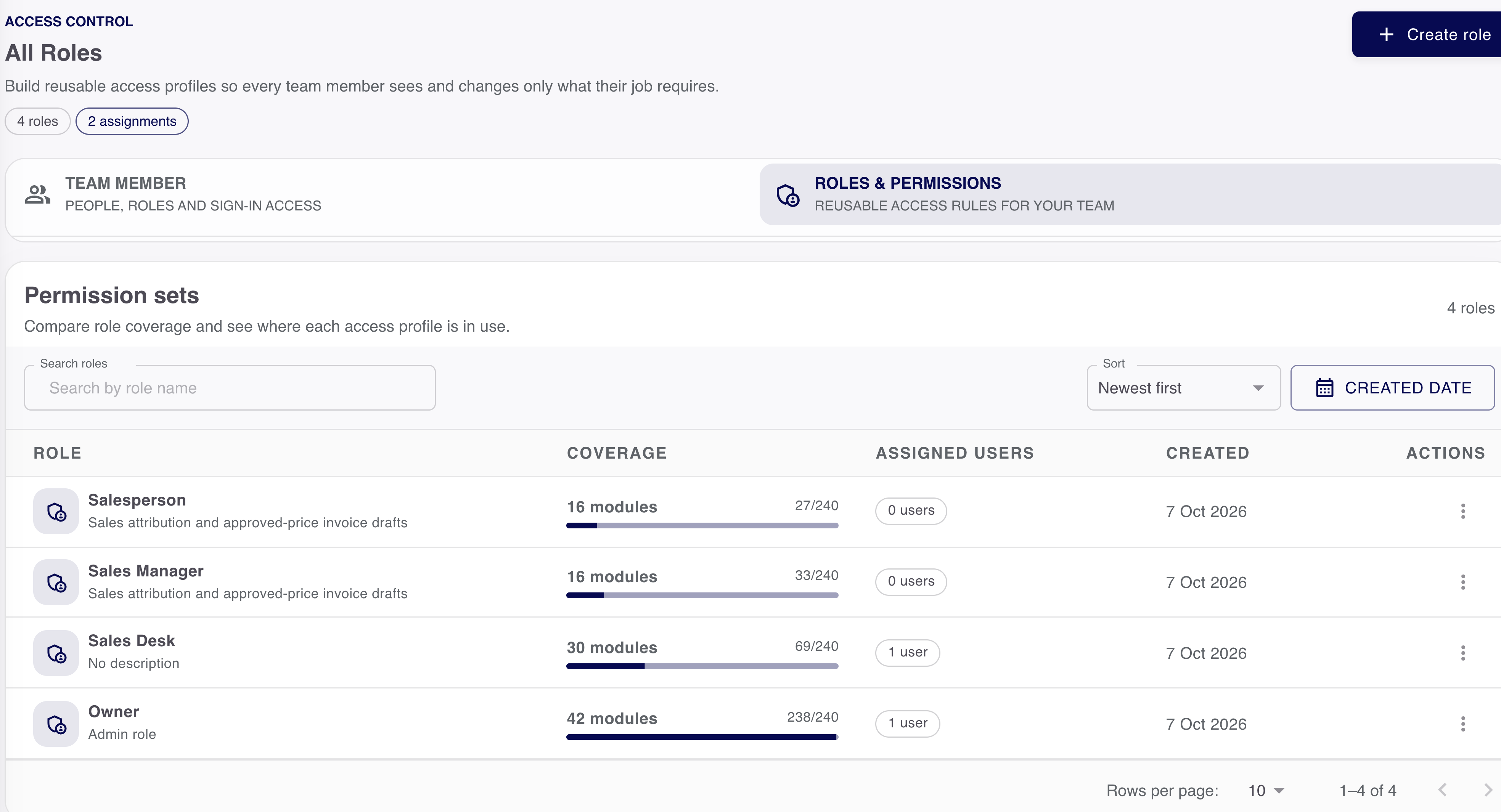
- Sales responsibilities
- The documents and customer work the person can read or change.
- Stock responsibilities
- Location records and permitted adjustments.
- Accounts responsibilities
- Receipts, supplier money and the reports the person can inspect.
Branches and godowns have different jobs.
A branch describes an operating location. A godown identifies where stock is recorded. Neither automatically creates a new organization.
Business locations
Give each location the right responsibility.
- Organization
- Owns the business records
- Branch
- Identifies the operating context
- Godown
- Identifies the storage location
- Team access
- Controls who can inspect or change the records
Location and permission are separate.
Changing a location selector does not grant access. Keep the business context and the person’s assigned responsibilities clear.
- Organization
- Owns the business records
- Branch
- Provides the operating context
- Godown
- Identifies the stock location
Check business settings in the result.
Maintain the business identity and supported document settings, then inspect a generated output to see what changed.
Update the supported setting
Use the authorized business controls.
Save and review
Check the recorded business context.
Inspect an output
Confirm the relevant identity or document field.
Keep access useful as the team changes.
Review responsibilities when a person moves roles or leaves. A location selector does not replace authorization.
Want to see this with your business workflow?
Book a product demo