
Product brochures
Your selected tiles. A brochure worth sharing.
Choose products from your catalogue and turn their images and specifications into a branded PDF. Inspect the generated pages before sharing them with a customer.
Let the selected products lead the design.
Use your catalogue records as the source for the brochure. Images, names and specifications should describe the same tile.
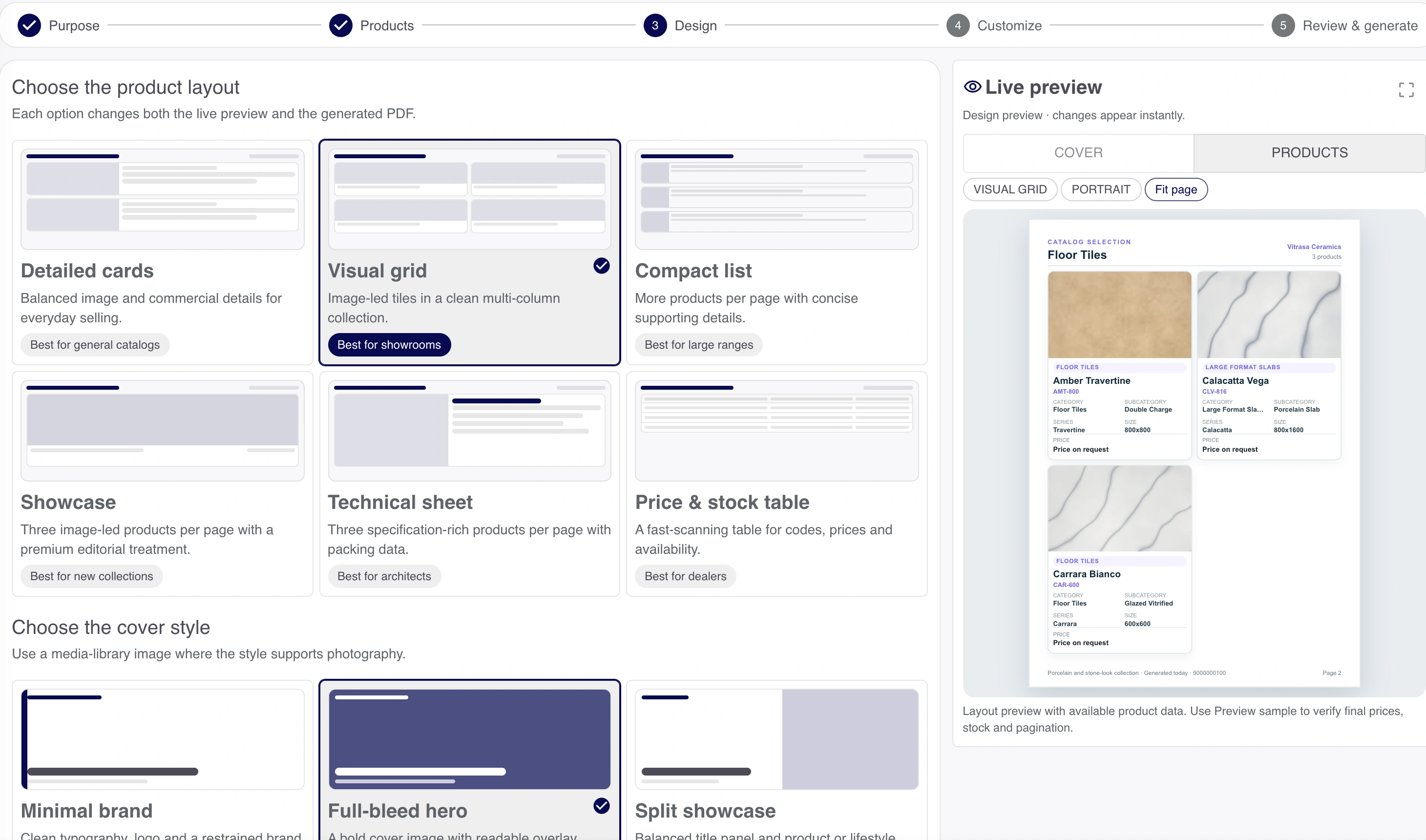
Demo layout and sample output use illustrative tile swatches. Review the actual PDF before sharing.
Make the brochure for the conversation.
Choose the products and available layout, then review the fields and business details that appear in the output.
Select products
Keep the relevant tiles together for this customer or range.
Choose the layout
Use the supported template and fields.
Review business details
Check the logo, contact information and footer.
Check the identity as carefully as the tiles.
Review the business name, contact details and collection description on the finished cover. This actual generated example uses labelled illustrative tile swatches.
Review the finished cover
Your products. Your business identity.
Check the details a customer will use to recognize and contact the showroom. Read the finished PDF before sharing it.
- Business identity
- The intended name, logo and collection description.
- Contact details
- A current phone, address and contact line, without duplicate information.
- Customer context
- The selected range and descriptions that belong in this brochure.
Share the file after the final check.
Open the generated PDF at a useful size before sending it. A downloaded file keeps the brochure available for a normal customer conversation.
- Names & images
- The right product shown with the right image.
- Specifications
- Size, finish and included details remain readable.
- Branding
- The intended business identity and contact details.
Good brochures start with good product records.
Prepare catalogue images and specifications before generating a larger range.
Want to see this with your business workflow?
Book a product demo